
Jobolar Chrome Extension
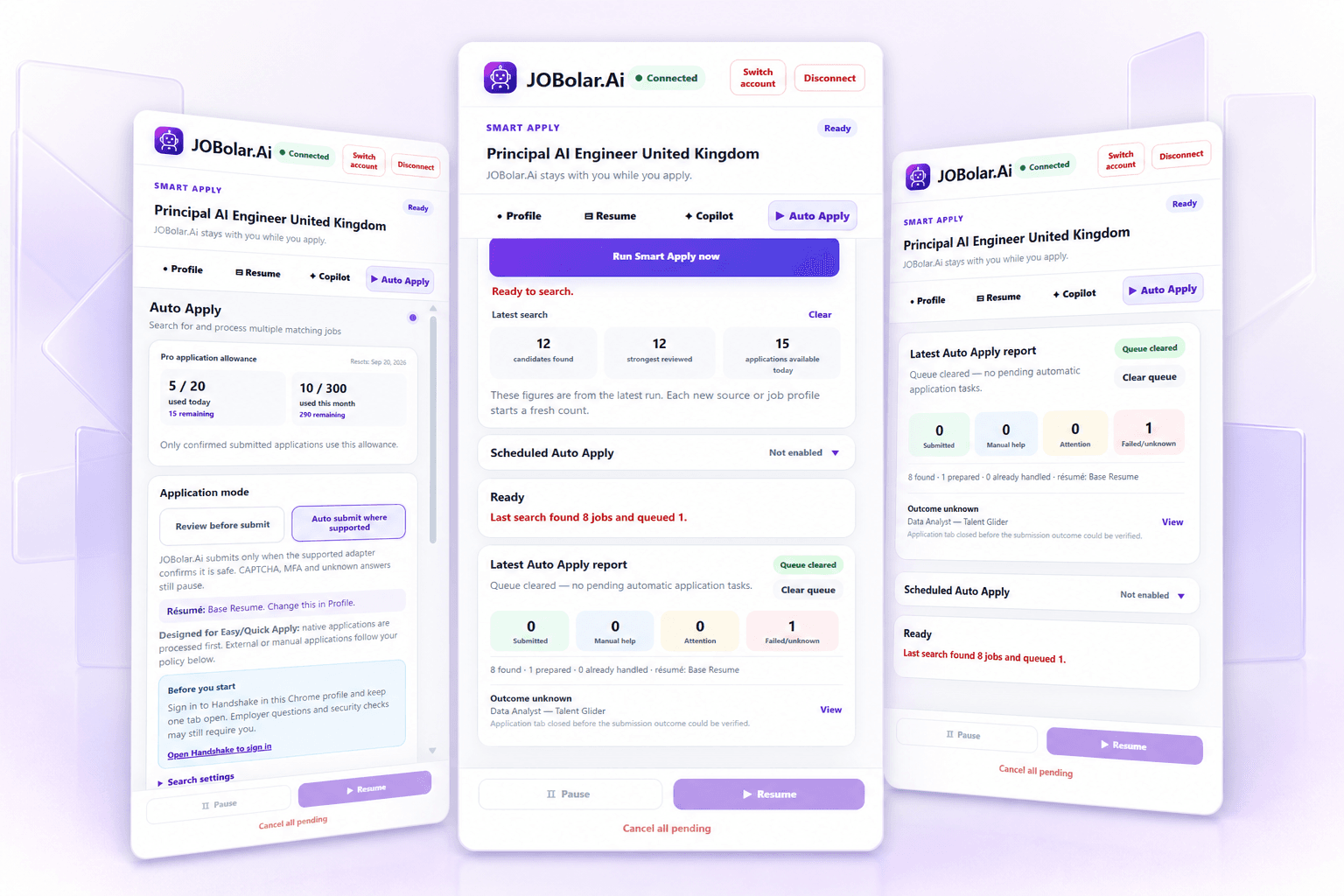
The extension combines deterministic Copilot Fill, a browser-local Smart Form, saved answers, AI drafting, review controls, and supported scheduled automation.
Get startedWhat it includes
- Unlimited deterministic Copilot Fill
- Matching field completion and browser-local Smart Form
- Saved application answers
- Generate or Refine answers with AI
- Smart Apply, Review Before Submit, supported auto-submission, scheduling, pause, resume, and cancel
Product experience
A closer look at the workflow
Complete supported job applications directly in your browser.
Availability
Chrome-based browsers and supported job sites. Fields, workflows, and automatic submission vary by site and posting.
Plan access
Basic: deterministic Copilot Fill. Standard and Pro: Smart Apply and eligible automation features.
Where you use it
Google Chrome and compatible Chromium browser environments where supported
How it works
Install the extension
Use the Chrome Web Store link, then pin Jobolar for quick access.
Connect your Jobolar account
Sign in and approve only the connection required for the extension’s features.
Open a supported application
Fill deterministically, review Smart Form answers, or use plan-eligible Smart Apply controls.
Install and connect
Install the Chrome extension
Open the Chrome Web Store, install Jobolar, pin it, then connect the same Jobolar account you use on the web.
- 1Open the marketplace listing
- 2Choose Add to Chrome
- 3Pin Jobolar from the Extensions menu
- 4Open a supported job application and connect